10 Essential Tips for Using Your Paper Thermal Printer Effectively?
The Paper Thermal Printer is an essential tool in today’s fast-paced world. Businesses and individuals rely on it for producing high-quality, clear prints. However, using this device effectively requires more than just pressing a button. It involves understanding its settings, maintenance needs, and the best printing practices.
Many people overlook the significance of proper paper handling. This can lead to issues like jams and smudging. It is crucial to use compatible paper designed for thermal printers. Ignoring this can diminish print quality. Additionally, users often neglect regular cleaning routines, which can cause the printer to underperform.
Improper usage often results in wasted materials and money. By following key tips, such as adjusting print density and temperature, users can enhance the lifespan of their printer. In this guide, we will explore ten essential tips to ensure that you maximize the potential of your Paper Thermal Printer effectively. It’s more than just printing; it’s about making thoughtful choices.
Understanding the Basics of Paper Thermal Printers
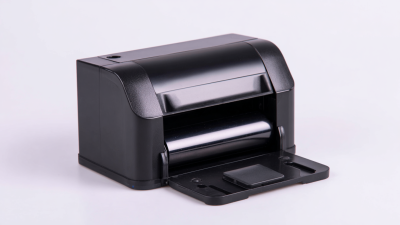
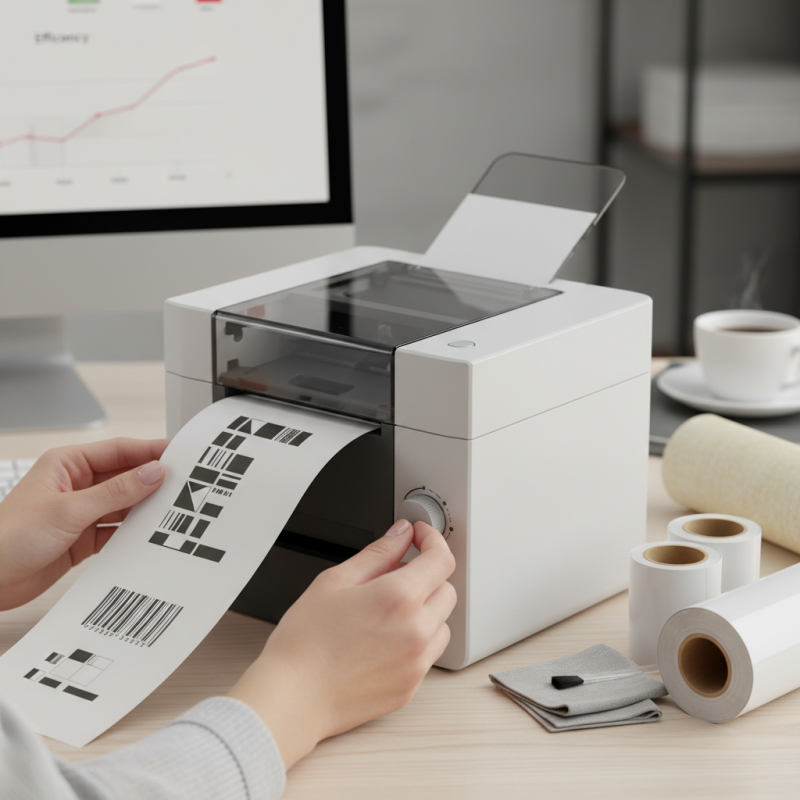
Paper thermal printers have become essential in many businesses. They utilize heat to transfer ink onto paper, making them efficient and cost-effective. Understanding their basics can enhance your printing experience. These printers typically use thermal paper, which reacts to heat. It’s crucial to ensure you’re using the correct type of paper for optimal performance.
One common issue with thermal printers is paper jams. This often happens when the paper is loaded incorrectly. Regular cleaning of the thermal print head can improve print quality. Another point worth noting is the limited lifespan of thermal printheads. They can wear out over time. Be mindful of your printing patterns. High-volume printing may require more frequent replacements. Every user should reflect on their usage habits to ensure longevity.
Lastly, thermal prints can fade over time, especially when exposed to heat or light. Proper storage of printed documents is essential. Consider using protective covers when archiving important records. A little care can go a long way in preserving your thermal prints for future reference. This mindful approach can ultimately lead to better printing results.
Selecting the Right Thermal Paper for Optimal Performance
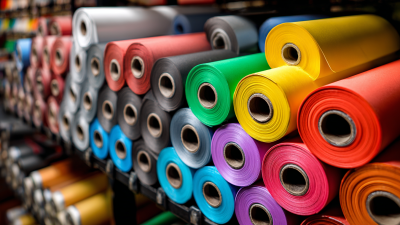
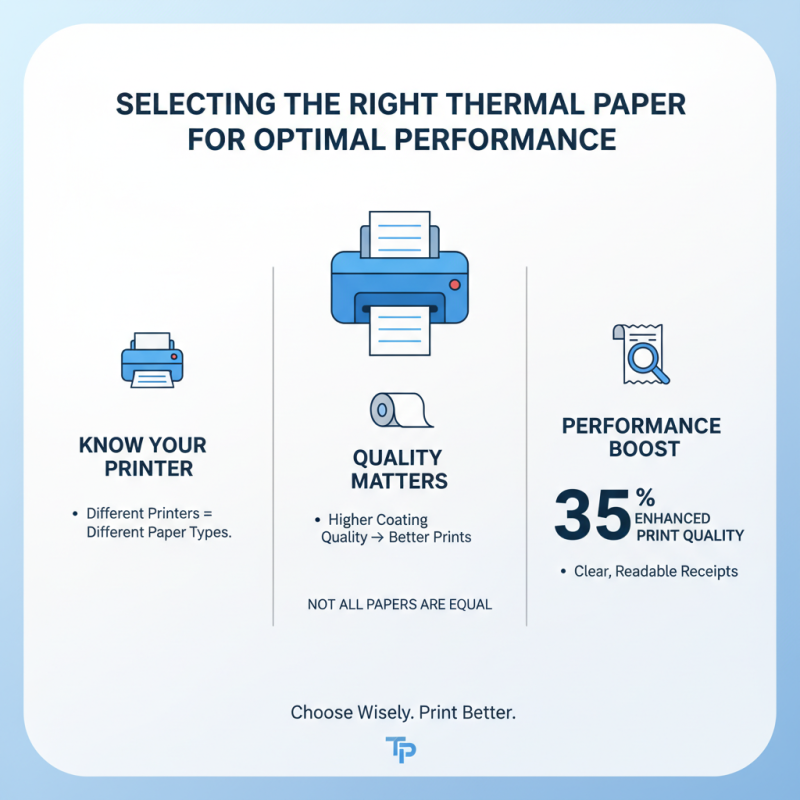
When choosing thermal paper, understanding the specific needs of your printer is crucial. Different printers require different types of paper. Not all thermal papers are created equal. For instance, papers with a higher coating quality often produce better prints. According to industry reports, the right thermal paper can enhance print quality by up to 35%. This is significant for businesses relying on clear, readable receipts.
Additionally, consider the weight and size of the paper. Standard thermal paper rolls can range from 40mm to 80mm in width. Choosing the wrong size may lead to paper jams or incomplete prints. It's reported that around 25% of printing issues stem from using incompatible paper. Regularly check the manufacturer's recommendations and compare them with the paper you intend to use.
Thermal paper needs to be stored properly. Exposure to heat and light can degrade its quality. This can lead to fading prints, which is frustrating for staff and customers alike. It's challenging to strike a balance between cost and quality. Always remember, cheaper isn’t always better. Investing in quality paper might save you time and money in the long run.
Maintaining Your Thermal Printer for Longevity and Efficiency
Maintaining your thermal printer is crucial for ensuring longevity and efficiency. Regular cleaning is often overlooked. Dust and debris can accumulate, leading to print quality degradation. According to industry reports, a dirty printhead can reduce print quality by up to 30%. Use a lint-free cloth and specialized cleaning solution to maintain the printhead. Schedule cleanings every few weeks, especially in high-usage environments.
Heat exposure can also affect printer performance. If your printer is placed in direct sunlight or near heat sources, consider relocating it. Excessive heat can warp components and shorten lifespan. Additionally, check paper stock regularly. Poor-quality thermal paper may lead to smudging. Reports show that 70% of printer malfunctions are caused by incompatible media. Always verify compatibility to avoid unnecessary repairs.
Another point to keep in mind is software updates. Often, users neglect firmware updates, which can lead to issues over time. Regular updates ensure that your printer operates smoothly and efficiently. Ignoring them may mean missing out on enhancements. Consider these steps seriously. Relying solely on the initial setup without maintenance can expose hidden problems. Regularly reflect on your printer’s performance. Notice the signs of wear early to address issues promptly.
Common Issues with Thermal Printers and How to Resolve Them
Thermal printers are widely used in various industries for their efficiency and speed. However, they can encounter common issues that may disrupt your workflow. A recent industry report indicated that 20% of thermal printer users experience problems like paper jams and poor print quality. These issues can lead to wasted time and resources.
One major problem is the use of incorrect paper types. Ensure you are using thermal paper compatible with your printer. The wrong paper can cause jams or faded prints. Regular maintenance can also help. Clean the print head regularly to avoid residue buildup.
If you experience frequent paper jams, check the loading process. Incorrect loading increases the chance of jams significantly. Always align the paper properly before printing. It’s essential to be mindful of these small details to keep your printer functioning smoothly.
Addressing these issues promptly is vital. Ignoring minor problems can lead to more serious failures. Ensuring your printer operates effectively can improve your overall productivity. Keep an eye on the thermal printer’s performance, and don’t hesitate to seek professional assistance if problems persist.
Best Practices for Printing Quality and Clarity with Thermal Printers
When using a thermal printer, achieving high quality and clarity is essential. Start by choosing the right paper type. Not all thermal papers are created equal. Using low-quality paper can result in smudged or faded prints. Always check if the paper is compatible with your printer. This small detail can make a big difference in your printed output.
Another critical factor is the printer's settings. Adjusting the darkness and speed settings can greatly impact print quality. Higher darkness may improve visibility but can also lead to jamming. Finding the right balance can take time and experimentation, which is often frustrating. Regularly clean your printer’s print head as well. Dust buildup can cause uneven prints and require constant reprints, wasting both time and resources.
Lastly, consider the humidity and temperature of your printing environment. Extreme conditions can affect print quality. Too much moisture leads to smudging, while dry air can cause paper to warp. Being mindful of these factors can enhance the overall printing experience, reminding users to stay vigilant about such seemingly minor details.